


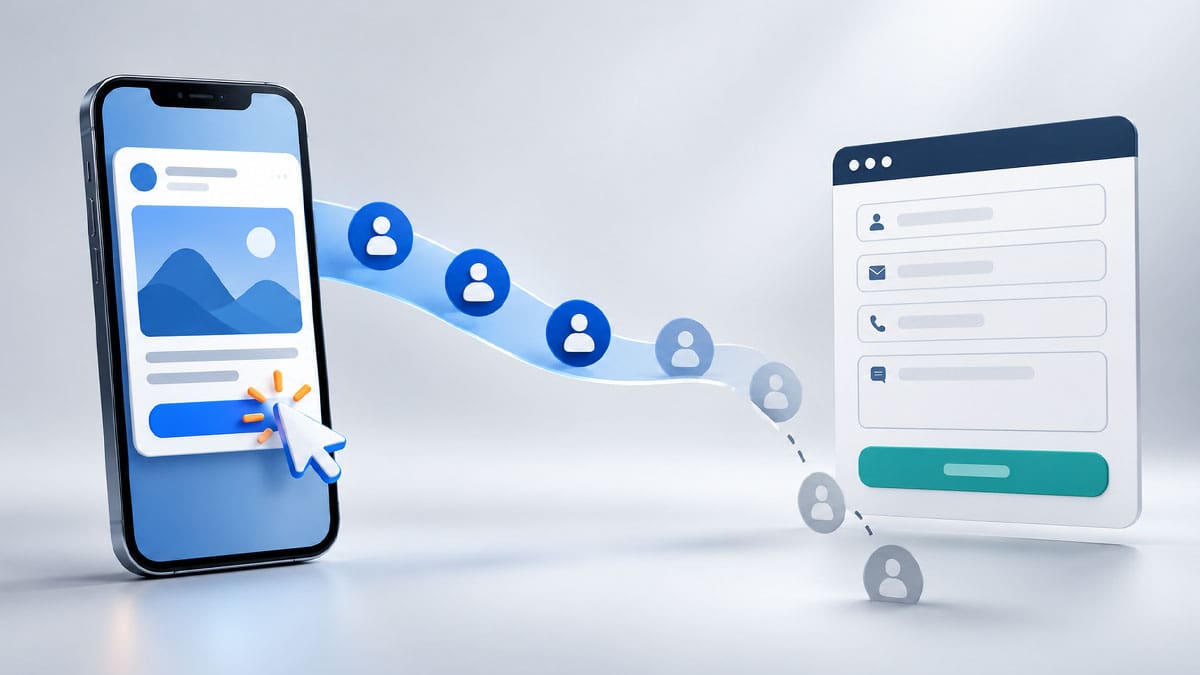
It’s one of the most frustrating moments in digital marketing: you launch a new campaign, the dashboard lights up with traffic, but no forms are submitted. When your Meta ads get clicks but no leads, it’s tempting to panic, swap out the creative, or completely overhaul your audience targeting straight away.
But a click is only the first step in the user journey. For a click to become a client, people still need to land on the right page, understand your offer, effortlessly complete the form, and have that lead recorded correctly in your CRM.
This guide focuses specifically on troubleshooting Meta Ads (Facebook and Instagram). (Internal Link placeholder: If you are running search campaigns, check out our guide to Google Ads strategies). Before you pause your Meta campaign and lose your algorithm learning phase, check these seven critical parts of your conversion path.
1. Check the Meta Campaign Objective
Start in Meta Ads Manager and confirm that your campaign is actually set up to pursue leads / conversions, not traffic. A traffic-focused campaign is designed by Meta’s algorithm to find people who are “click-happy.” Those casual clicks don’t turn into form submissions.
Also, verify where you want the lead to happen. Meta campaigns can send people to an instant native form or push them to a landing page on your website. Or you can link it to a form on third-party platforms like Blackbaud for example. Make sure your conversion location and optimization settings match the actual route your customers are taking.
2. Test Whether Meta is Receiving the Lead Event
Submit a test enquiry through your own form and check that it appears in your lead records. If you’re using a website form, confirm that the correct lead event is firing and being sent back to Meta through your tracking setup (such as Google Tag Manager).
A successful form submission on your website and a recorded Meta conversion are two completely different things. If the form works but Meta doesn’t receive the event data, your reports will undercount leads, and the algorithm won’t get the necessary conversion signals to optimize delivery.
3. Match the Landing Page to the Facebook Ad
Your ad and your landing page should feel like two parts of the exact same conversation. If your Meta ad promotes a specific service, discount, or offer, make sure visitors see that exact same message the second the page loads.
Sending paid traffic to a general homepage forces users to hunt for the information they expected to find, and most will just bounce. Make the next step frictionless: clearly explain what you’re offering, who it’s for, and exactly what the visitor should do next.
4. Audit the Mobile Page and Form Experience
The vast majority of users will click on your Facebook or Instagram ad from their smartphone. You must test the landing page on a mobile device, not just from your desktop monitor. Check that the page loads instantly, the text is legible without zooming, and the call-to-action button is prominently displayed.
Then, complete the form yourself on your phone. Are the fields easy to tap? Does the form layout break when the phone keyboard pops up? Are you asking for too many unnecessary details up front? Small UX obstacles can kill your conversion rate.
5. Review the Ad Set Audience and Placements
In Meta Ads, the ad set level is where you dictate the audience, placements, schedule, and budget. Take a close look at whether the audience truly aligns with your offer, and dig into your placement reports. Are certain placements (like the Audience Network) producing cheap clicks but zero meaningful engagement?
If you decide to test a different audience or placement, isolate your variables. Avoid changing several things at once; otherwise, you won’t know which adjustment actually improved your results.
Expert Tip
“Before you rip apart your ad creatives or blame the algorithm, look at your landing page load speed. Studies show that a 3-second mobile delay causes over 53% of mobile users to abandon a site, instantly killing potential leads. Always test your web forms manually on a standard 4G mobile connection before spending a single dollar on ad budget.”
– Sam Khoury, Co-Founder of Sharks Creators
6. Analyze the Full Funnel, Not Just the Clicks
When your Meta ads get clicks but no leads, compare the number of outbound link clicks with your landing page views and completed leads. Every gap in those numbers points to a different bottleneck.
- If people click the ad but don’t register as a landing page view, you likely have page speed or loading errors.
- If they reach the page but don’t submit the form, review your copywriting, the strength of the offer, and the form’s user experience.
- If the form is completed but the lead doesn’t appear in Meta reporting, you need to investigate your pixel tracking and API integrations.
Breaking down the funnel helps you identify exactly where the friction is, instead of making blind, broad changes based on a single metric.
7. Change One Variable at a Time
Once you isolate the likely problem, make a single, focused change. For example: simplify the form fields, clarify the headline on the landing page, or test a different audience lookalike in the ad set. Give the campaign enough time and budget to exit the learning phase and assess the new results.
Changing the audience, creative, landing page, and form all at the same time makes it impossible to tell which modification actually moved the needle. Controlled testing builds a clearer, data-backed strategy for your next campaign.
Getting Meta ads clicks but no leads? find the Point where the user journey breaks
The root issue could be the campaign objective, broken tracking tags, a slow landing page, or a clunky form. Trace the complete journey from the initial impression on Instagram to the final submitted enquiry, and address the weakest link. Clicks simply prove that someone found your ad visually interesting. Completed leads prove that your entire marketing ecosystem works. Reviewing both gives you the blueprint for high-ROI campaigns.
Read more: How to Fix lead generation tracking with Jetpack and GTM
You can check Meta Help Center as well if you are starting recently with Lead Geneation.
